I’m sure at some point in most people’s lives they have come across some non-tech company using some “secure email” service and thought to themselves “wow, this feels stupid”. Well I’m here to prove you right. This article discusses Cisco’s “secure email” service and breaks down the reasons why it’s actually ineffective and only exists to frustrate everyone instead of actually providing any realistic level of security. These systems should simply not be allowed to exist because they give people a false sense of security and many of those people are simply too aloof to hear valid criticisms but I guess that’s just Cisco’s modern business model anyway, target the tech illiterate with crazy subscriptions for useless crap.
First, let’s examine the initial email that you recieve when someone sends you a “secure email” via Cisco’s “secure email” system: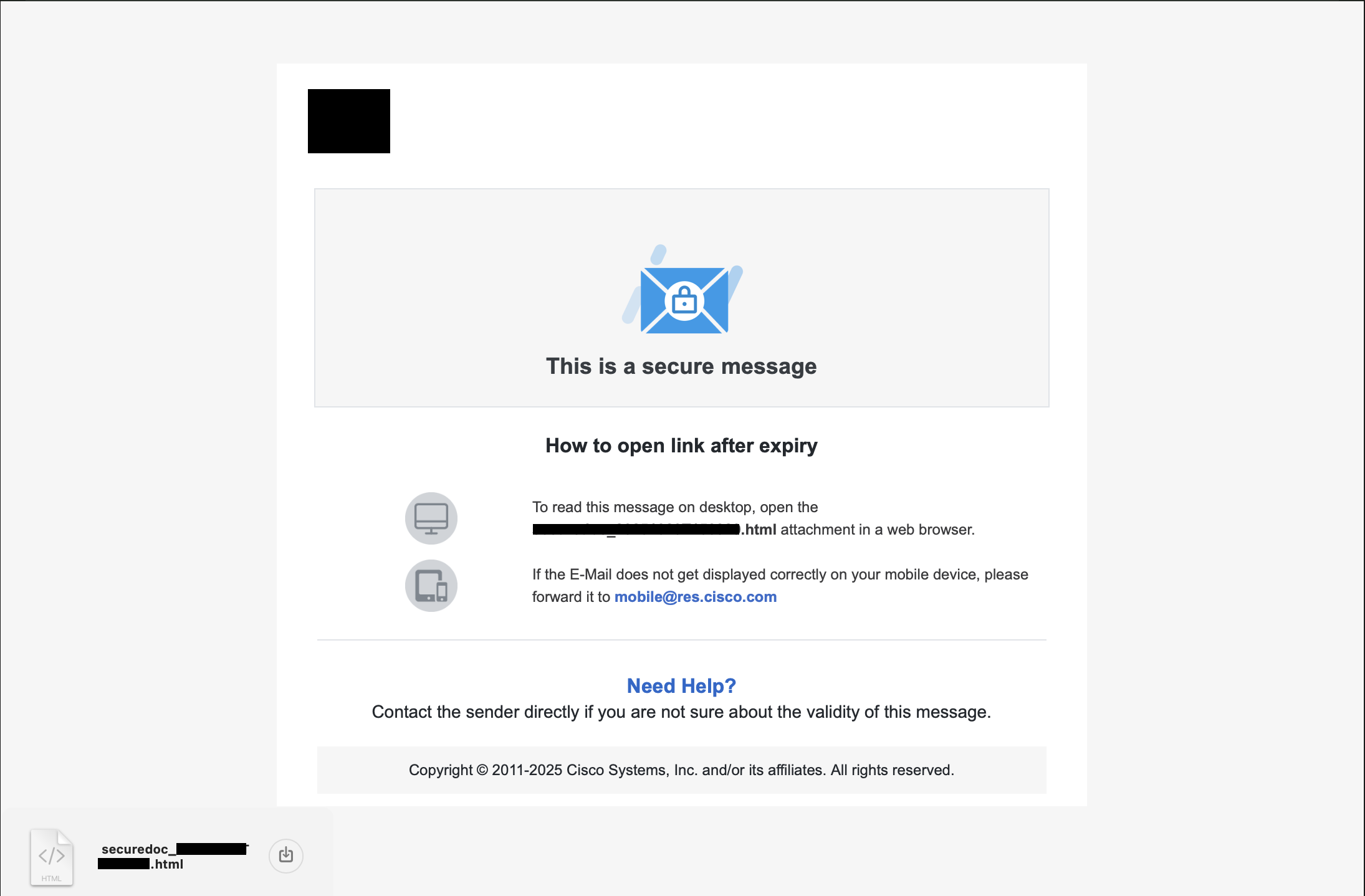
As you can see, what it did is send me an HTML file as an email attachment that I should open on my computer to access the file. Why does sending an HTML file differ from sending a link to a website? Is that specifically designed to trick non-technical people into thinking this is somehow more “secure” by making it seem more complicated? It doesn’t matter, but more on that later.
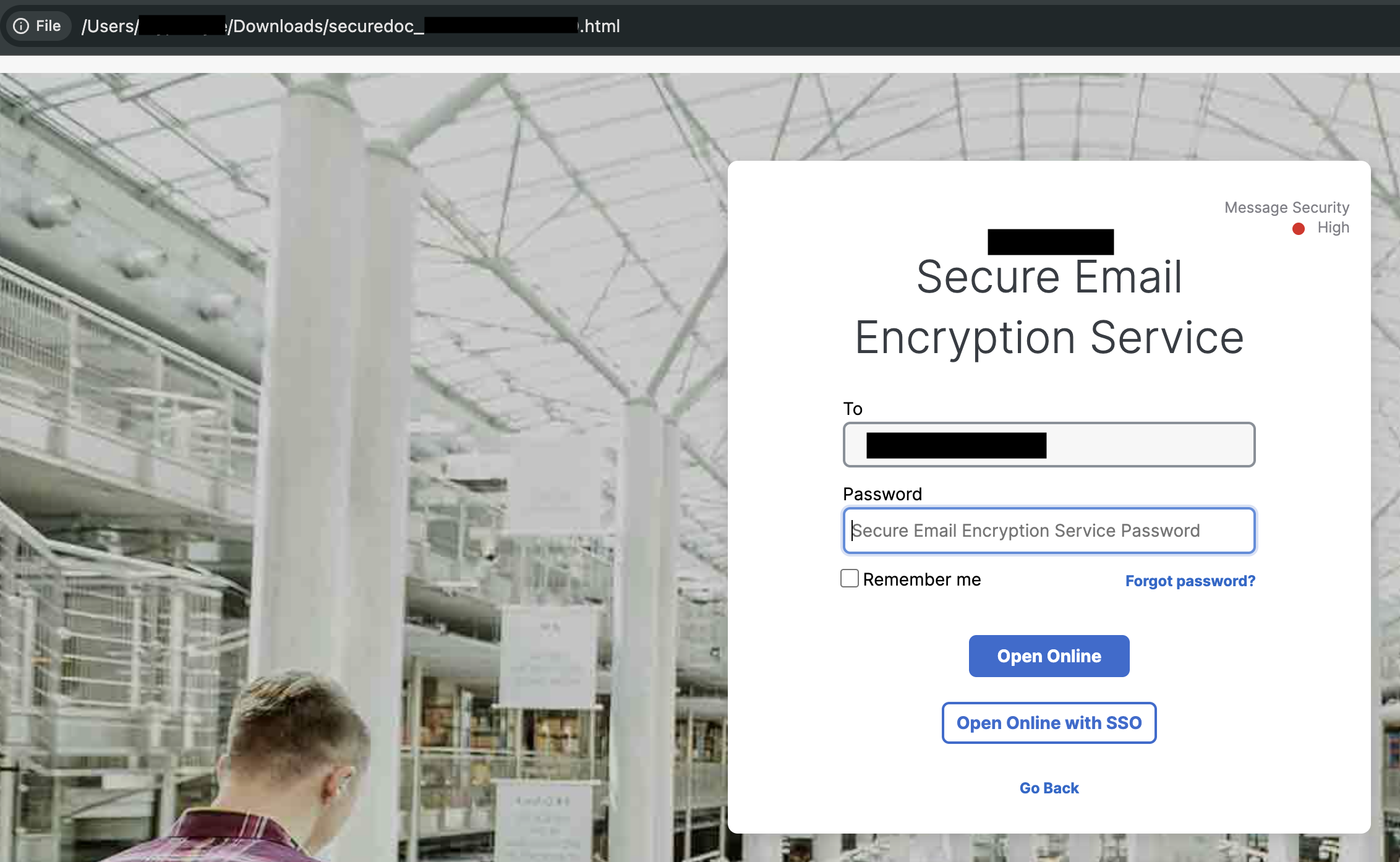
Opening the HTML file in the browser reveals your standard login page, but we have some immediate issues here - note the “Forgot Password” button. Both “Open Online” and “Open Online with SSO” do nothing unless there is a valid password entered, so really they shouldn’t be enabled until something is entered there but that’s a UX issue so sure, whatever.
Trying a random password a few times proves unsuccessful as one would expect and analyzing the network activity between the browser and the internet yelds expected results so at least someone knows what they are doing over there at Cisco.
At first glance this would seem like an interesting yet annoying way to access documents that are shared with you but the security issue has been glaring at us the whole time and I’m willing to bet many of you already noticed it because it takes maybe 3 braincells to recognize what the problem is.
Clicking the “Forgot Password” link sends you to this page, which sends a password reset link to your email. The same email that the origninal email was sent to.
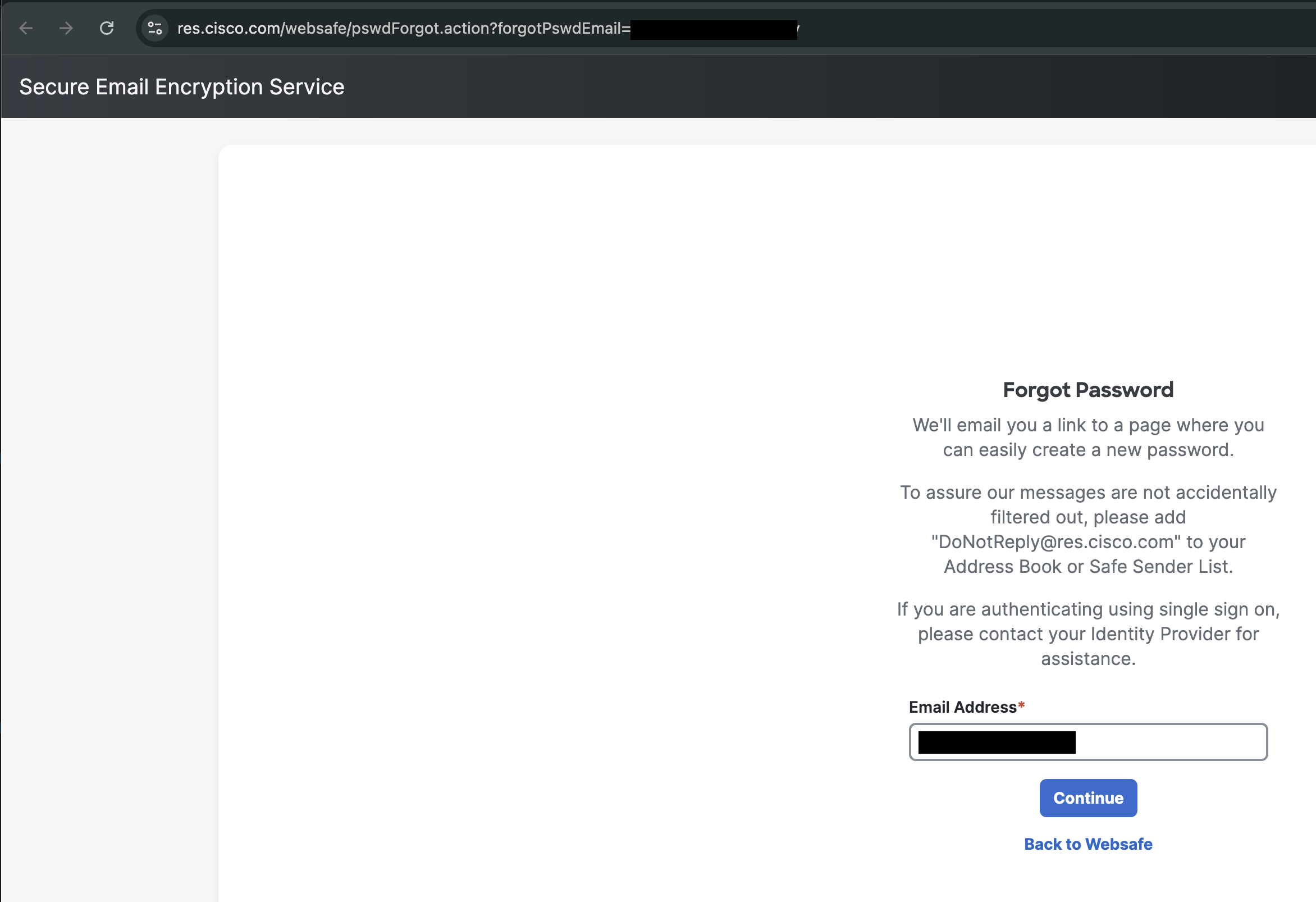
Since you recieved this email, Cisco pre-populates your email address it’s already aware of your email address and even if it wasn’t this whole authentication flow revolves around your email address since the only known data at the time the sender sends this email is your email address (there’s no extra verification beforehand) and so the problem is this:
If an attacker has compromised your email enough to have access to this email they already have access to the “Forgot Password” flow meaning they can simply reset the password and access the document directly. The only requirement is email access.
If an attacker is sniffing network requests (MITM) and was able to compromise your email servers encryption, etc. to have enough access to read the “secure email” they can also read the password reset email.
The “Forgot Password” flow effectively defeats this entire “secure email” system and there’s really no way to fix that without having a web flow that has pre-authentication and post-authentication but that wouldn’t be compatable with traditional email flows that the non-techincal people need and so this system is designed around the idea of a false sense of security likely intentionally.
Now to fully illustrate my point for the people that still don’t understand this concept we’ll pretend that we are attackers. We guessed the password to “John’s” email account and now we can see all of his emails. We see a “secure email” come in and so that piques our interest, “secure”? must be important!
We are not absolutely tech-illiterate since we already compromised this email address so we see the HTML attachment and open it in a browser. Oh no! It requires a password, guess that’s the end of the line… sike! There’s a “Forgot Password” link, so we just click that and send a password reset link to the compromised email address.
Now with this password reset link we simply set the password to whatever we want and then open the document. Congrats, you’ve just compromised a multi-million dollar company’s “secure email” system.
Basically, this article is intended to send to people that don’t understand why this stuff is useless but if you read this and got some knowledge from it then that’s cool and I hope you stop using this nonsense because all it does is frustrate everyone.